Site by Supper
A website for your business, built today.
No tech skills needed.
What's a website, really?
Think of it like owning a house. Three parts, each one simple.
The House
aka the code
Your pages, words and photos. You fill it with your stuff, in your style, and present it to the world.
The Address
aka the domain
How people find you online — like yourbusiness.com. Think of it like a mailing address.
The Lot
aka the hosting
The lot your house sits on. You rent the space so your site stays up. We provide it free for your first 30 days.
Your first month on the lot is on us. No card needed, nothing to cancel. If you like your site, rent the lot for a year when we email you. Nothing renews on its own.
An AI agent?
Think of it as a helper you text with. You tell it what you need, it does the work.
No special words. No forms to fill out. Just talk to it like you'd text a friend.
How to, step by step
Eight stops. Plain and simple. Most people are done by supper.
-
Make your account
Head to The Idea Machine and sign up. It takes about two minutes — just your email and a password.
⏱ 2 minutes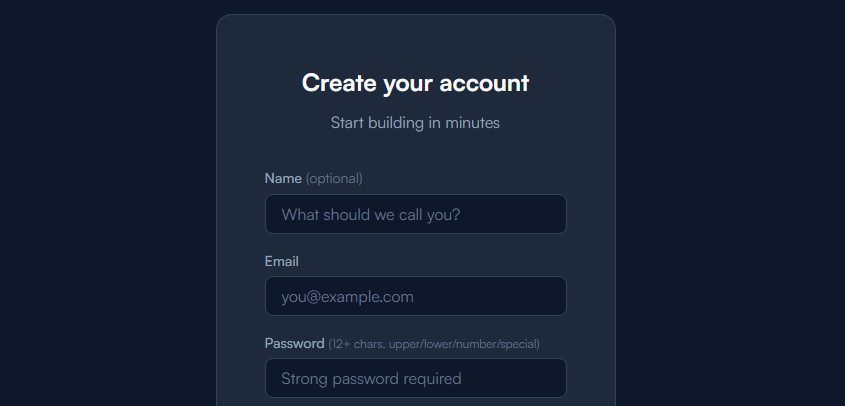
-
Look around
If you need guidance, check "Services". If you want some examples, check "Gallery". If you prefer to just get started, go to "Projects" and start a conversation.
⏱ About 3 minutes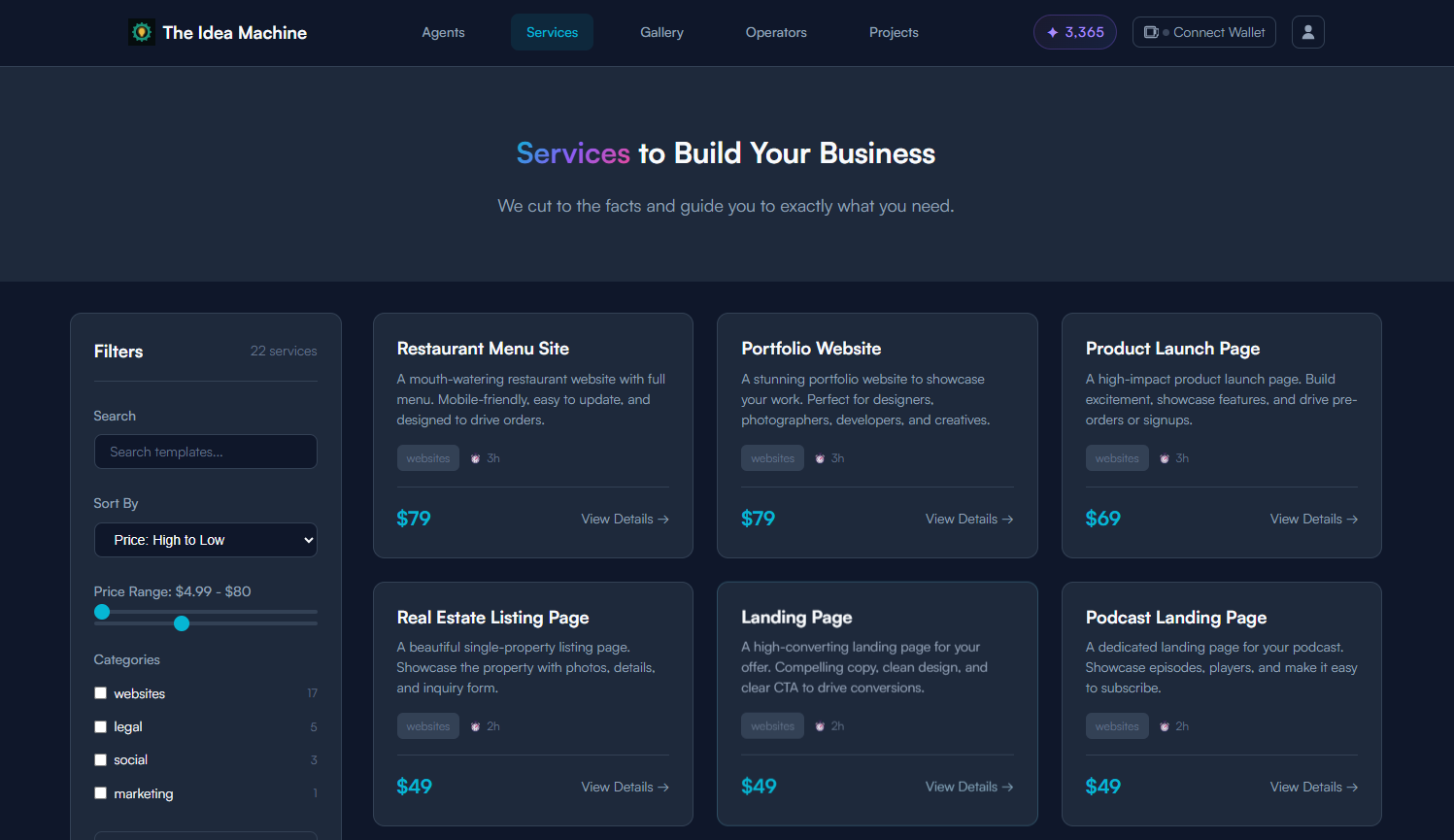
-
Work with your agent
Once you begin your conversation with the agent you can have a site built in minutes. Like anything, the more information you put in, the better the result.
⏱ About 15 minutes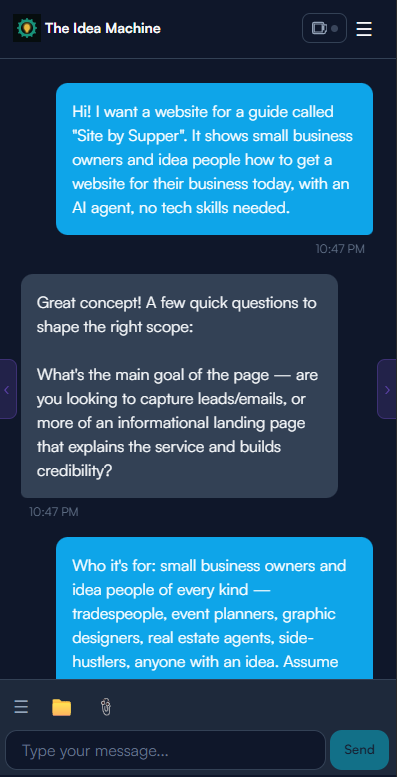
-
Try it out
Open your new site on your phone. Send the link to a few people you trust. See how it looks and feels.
⏱ 10 minutes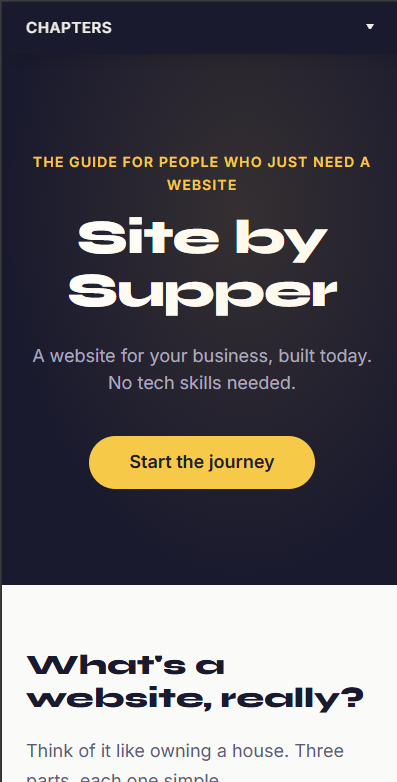
-
Make one list of changes
Write down everything you'd like changed. Put it all in one message — it's faster and easier for the agent.
⏱ 5 minutes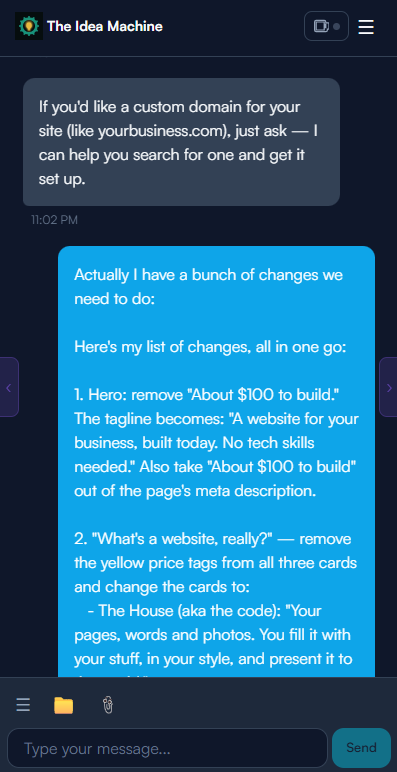
-
Approve the changes
The agent makes your updates. Take one more look, then give the thumbs up when you're happy.
⏱ 5 minutes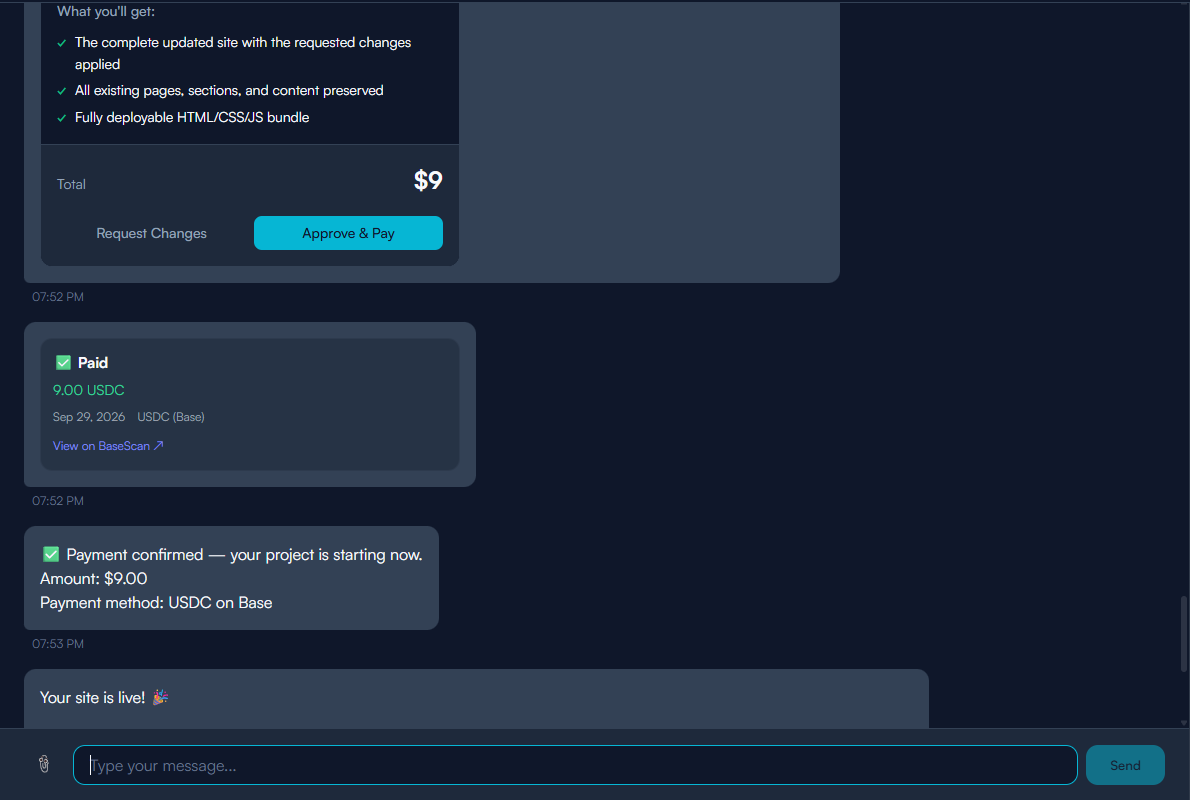
-
Grab your address
If you love your site, get a proper web address — like yourbusiness.com. It points straight to your new site.
⏱ 5 minutes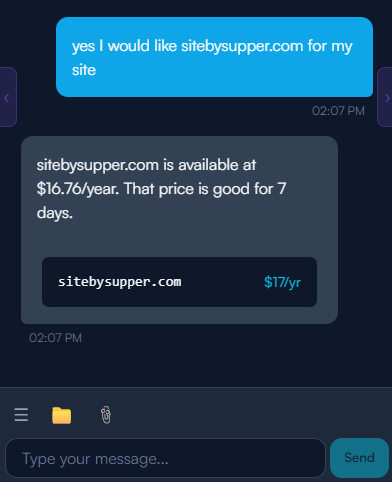
-
Close the laptop. Go fishing.
You're done. We'll email you before your free month ends. Nothing renews on its own.
⏱ Done by supper
Copy a starting line
Tap any card to copy that line. Paste it straight into your chat with the agent.
What to have ready
Gather these before you start your chat. The more you have, the faster it goes.
-
What you offer Your services or products — whatever you sell or do
-
The area you serve The town, city or region you work in
-
Phone and email How customers can reach you
-
Your hours When you're open or available
-
A few photos of your work Even phone shots are fine — real photos build trust
-
Your logo If you have one — no worries if you don't
Get found
Having a website is step one. Here's how to make sure people actually find it.
Google Business Profile
Set up a free profile on Google. When someone searches for what you do in your town, you'll show up. It's free and takes about 15 minutes.
Set up your free profileAsk for reviews
Happy customers are your best advertising. Ask them to leave a Google review. Even five reviews puts you ahead of most competitors.
How to get a review link or QR codePut your address everywhere
Turn your web address into a QR code and put it on your cards, truck and invoices — Google Business Profile can make one for your review link too.
Share on Facebook and Instagram
Post your link when you share your work. "Here's our website if you want to see more" goes a long way.
Keep it fresh
A website that never changes gets ignored. Here's all you need to do.
Add new photos
Every few months, drop in some fresh shots of your work. Customers want to see what you've been up to.
Seasonal updates
Running a summer special? Taking on extra Christmas bookings? A quick update keeps things current and relevant.
Renew your lot each year
We'll email you before your hosting is due. One click and you're sorted for another year. Nothing renews on its own.
Quick answers
Do I need a card for the free month?
What if I don't like it?
Can I do it all on my phone?
Who owns my address?
Ready to give it a go?
Go to The Idea Machine